Direct Purchase
Navigation Path
Domain Email -> Buy or Upgrade
Steps
- Click
buyorupgrade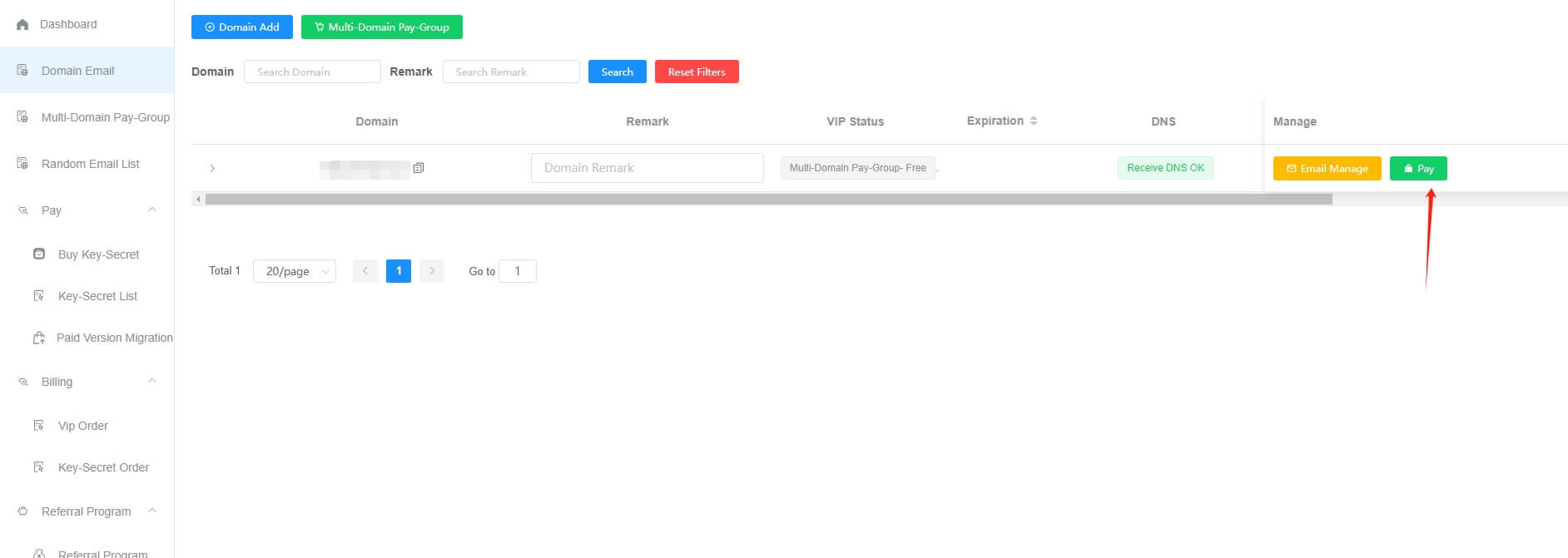
- Select the plan you need, then click
PaypalorDebit/Credit Card Pay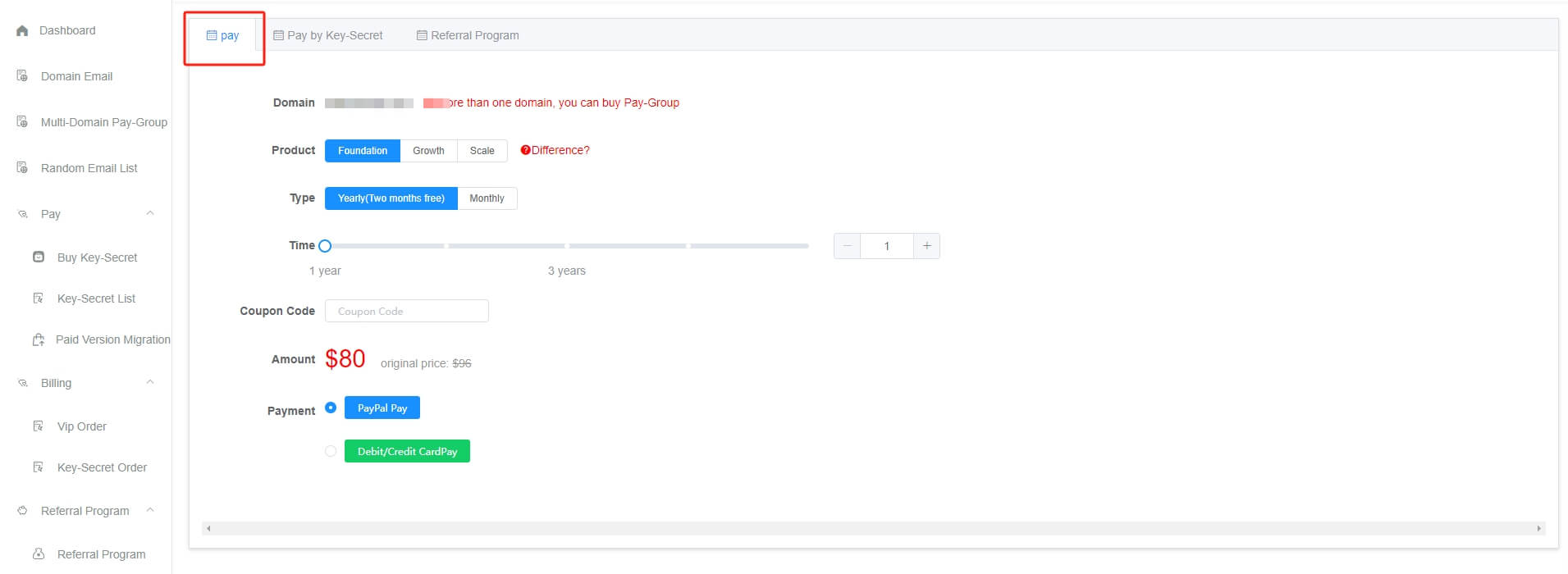
Multi-Domain Pay-Group Payment
Navigation Path
Multi-Domain Pay-Group -> Buy or Upgrade
Steps
- Click
BuyorUpgrade - Select the plan you need, then click
PaypalorDebit/Credit Card Pay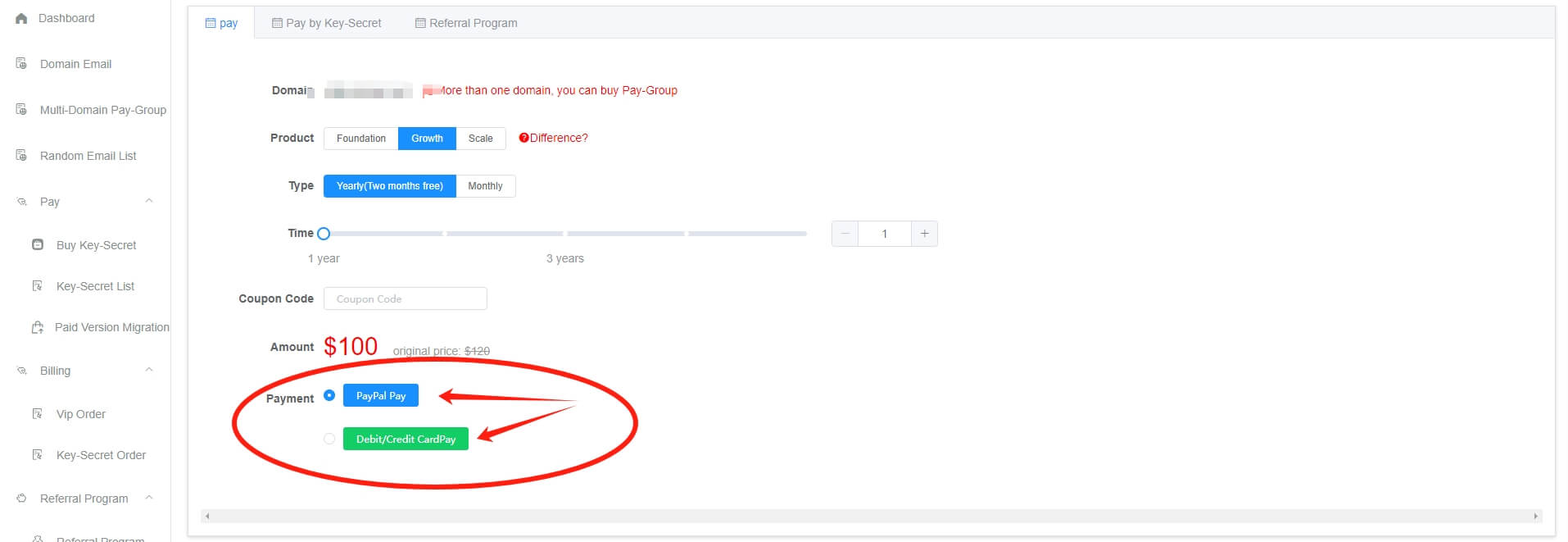
Pricing
Click to view pricing: https://www.getmx.com/price/
Service Duration
Free,Foundation,Growth
From the activation date, monthly billing extends the service by 30 days; annual billing extends it by 365 days.
Three days before the non-calendar-month expiration date, an SMS reminder about the upcoming expiration will be sent.
Scale
Because Scale requires a dedicated server, its calculation method is relatively complex.
Activations on January 29, January 30, January 31, or in February extend the service by 28 days; activations during other periods extend it by 30 days.
Three days before expiration, an SMS reminder about the upcoming expiration will be sent.
Note: For Scale activation, the server must be installed before activation and backed up before expiration, which may result in a few hours of time loss. The maximum loss will not exceed 6 hours, and the actual loss time depends on the actual service duration.
How to Renew
- Click the
Renewbutton and follow the prompts. The renewal time is added starting from the original expiration date.
Paid Plan Expiration
- After the paid plan expires, it will be changed to the free plan, with two email accounts retained.
- Other email accounts will not be deleted and can still be opened, but they cannot continue receiving new emails. They will be restored after renewal.
- If mail collection has been enabled, the mail collection feature will be automatically disabled.
- Three days before expiration, an SMS reminder about the upcoming expiration will be sent. At expiration, a reminder that service has stopped due to expiration will be sent.
Upgrade or Downgrade?
Refer to Upgrade/Downgrade
- Upgrade: The previous time will be converted, and payment will be made according to the detailed time calculation reminder.
Scale Limitations
- Due to the special nature of Scale dedicated servers, if renewal is interrupted, the old server will be reclaimed. After payment is made again, a new server will be assigned. To prevent unnecessary recovery operations for Scale users, try not to renew after an interruption.
Scale Single-Domain Planis allocated one 2-core 4G server with 200G bandwidth traffic, andScale Multi-Domain Planis allocated two 2-core 4G servers with 400G bandwidth traffic. If the email volume is extremely large or there are many client connections, lagging or even crashes may occur. Such customers should contact customer service to add servers (USD 100/month/server). Currently, Scale cannot determine how many servers are needed based on email volume or logged-in users; servers can only be added one by one for testing. Since 2015, only two GetMX Domain-Email customers have encountered this situation, and adding one server resolved it. However, different users have different volumes, so this is not a useful reference. If the volume is unlimited, servers will need to be continuously added. The standard GetMX plan requires hundreds of servers to support it, while standard email may require thousands of servers.