Domain Management
OEM Brand Customization
Entry Path
Domain Email -> Email Manage -> OEM Beta
OEM Brand Customization
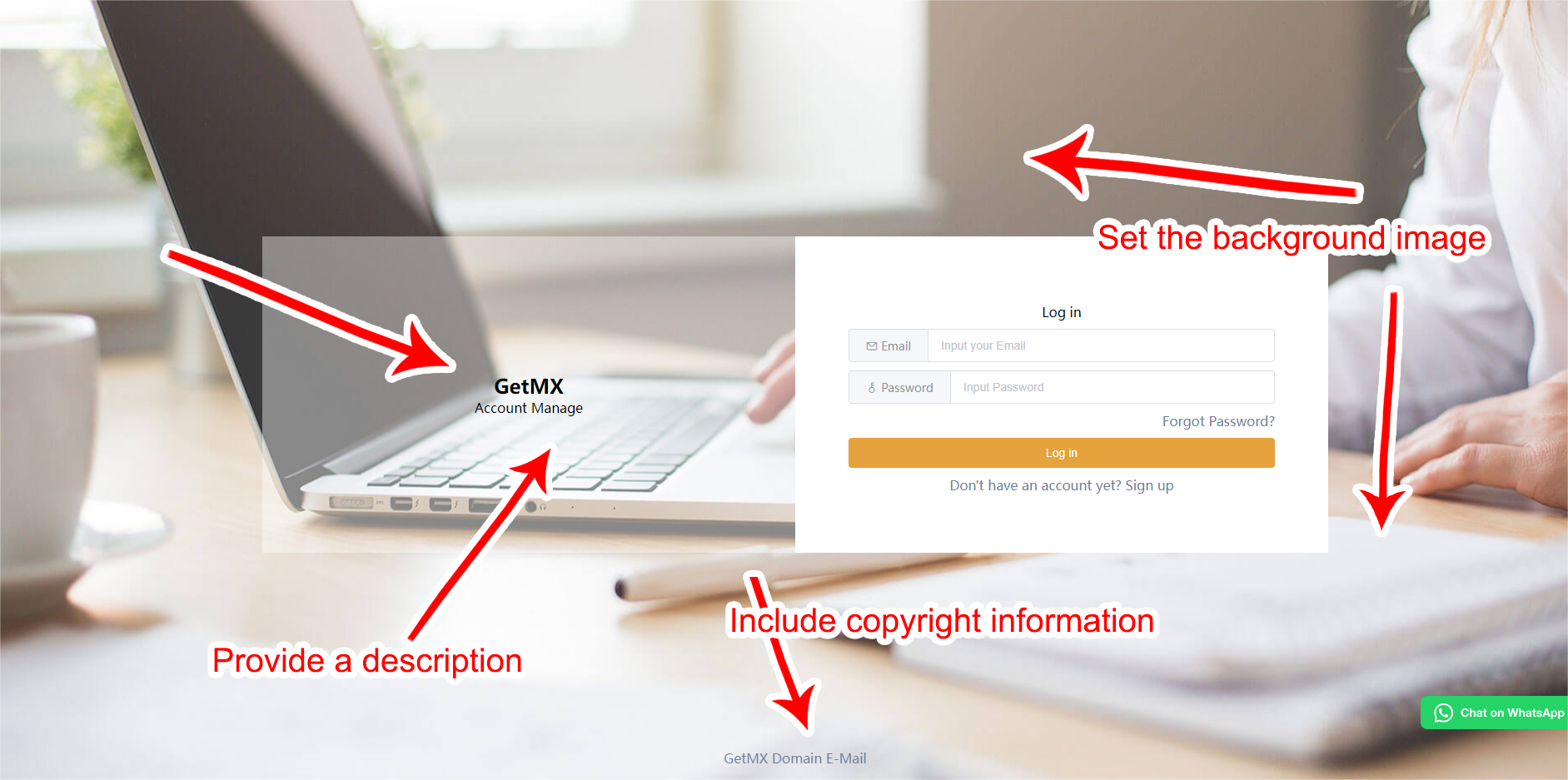
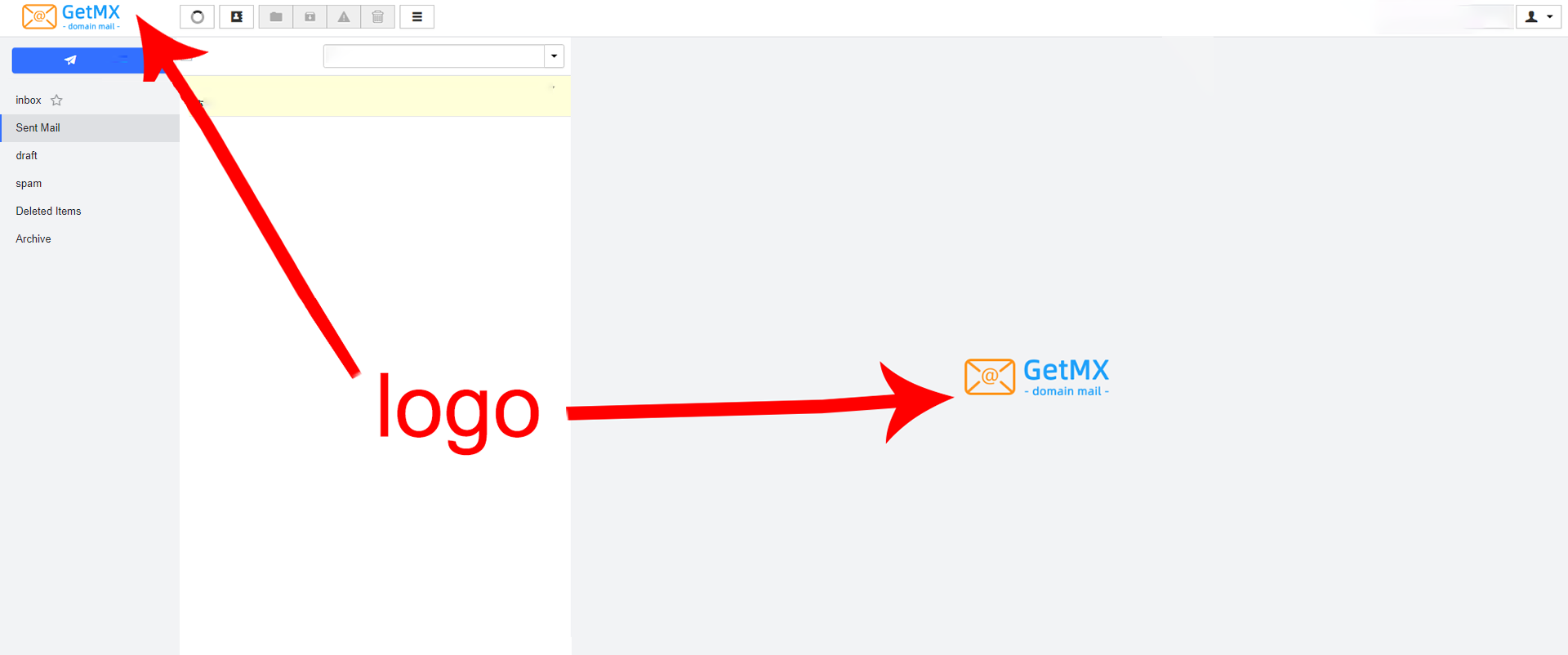
With OEM customization, you can access the web client via a custom domain and configure custom information to increase brand exposure.
Procedure
- Prepare a custom domain
- Configure DNS resolution: point the CNAME to the resolution address provided by GetMX
- Click the Create OEM button and fill in the custom information. Fields left blank will display default values.
- Submit for review. The review period is one business day; after approval, you can access directly through the bound domain.
Paid Plan Requirements
- The OEM feature is supported only on Growth and above.
- Hiding copyright information is supported only on Scale and above.
DNS Resolution Address
- CNAME address: mail-client-oem.getmx.com
SSL Certificate
- SSL certificates are generally used to prevent ISP hijacking. GetMX API requests enforce HTTPS, so the SSL certificate bound on the frontend can be provided or left blank. If provided, the access URL protocol will be https.
- SSL certificate setup is a technical operation. The application involves domain permission verification or code writing. For the application process, please consult your company's technical staff or search for instructions on your own.
- If an SSL certificate is configured, pay attention to its validity period. It is generally valid for 3 months to one year. Be sure to update the SSL certificate before it expires; otherwise, access to the custom domain will be affected.
Custom Configuration Reference
Quota
- A single domain or paid group supports configuring up to 10 OEM rules.
Notes
- A custom domain only supports logging in to the single domain bound to it or to multiple domains under the paid group.